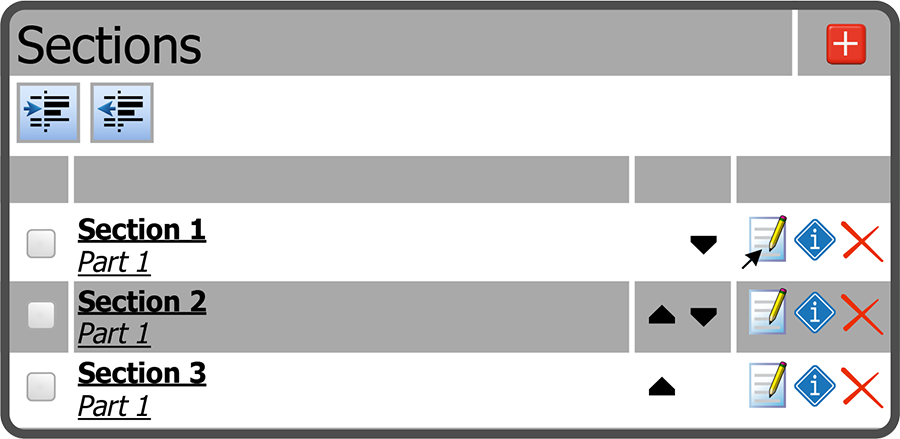
To edit a Chapter Section, select the Edit Section Icon  to the right of the Section.
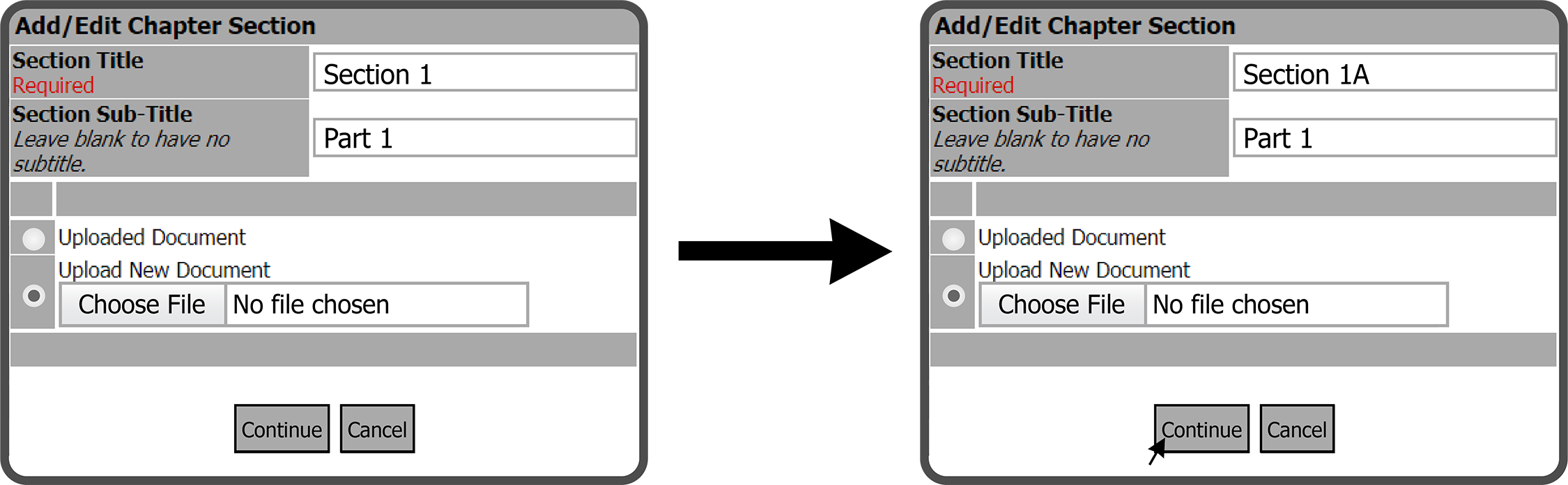
This will open the Add / Edit Chapter Section window. Make the needed edits and select the Continue Button  .
.
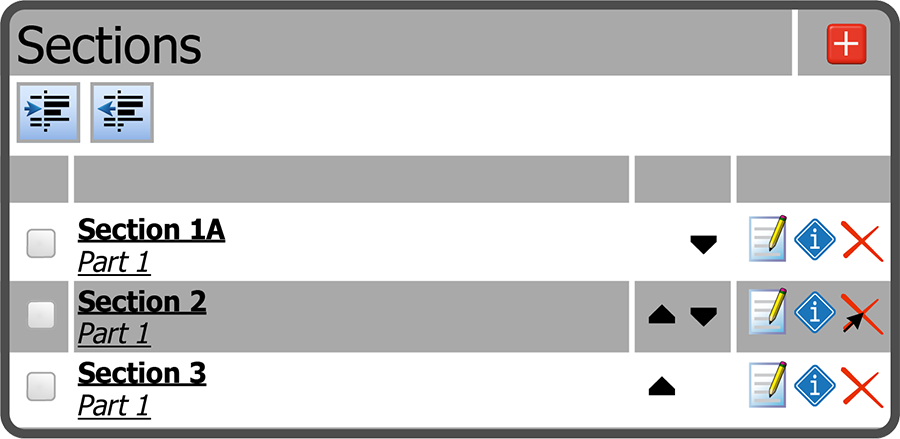
The Section is now updated.
 Related Topics