To add a Section to a Chapter, select the Chapter Title.
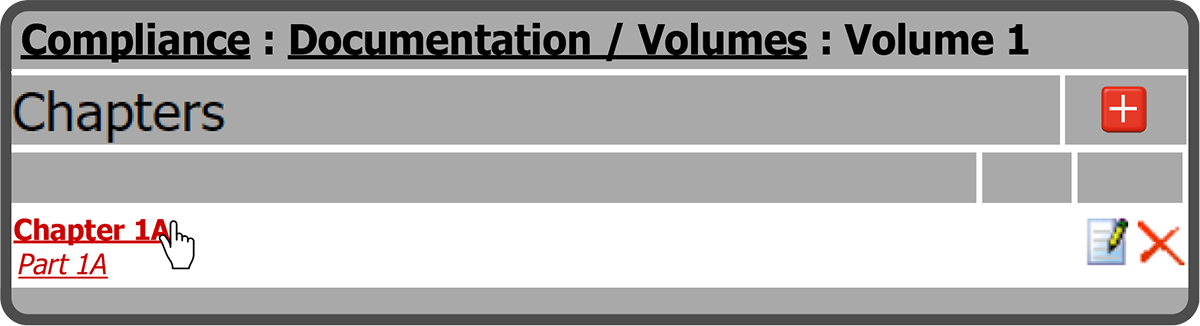
On this page select the Add Section Icon  to the right of the Sections header.

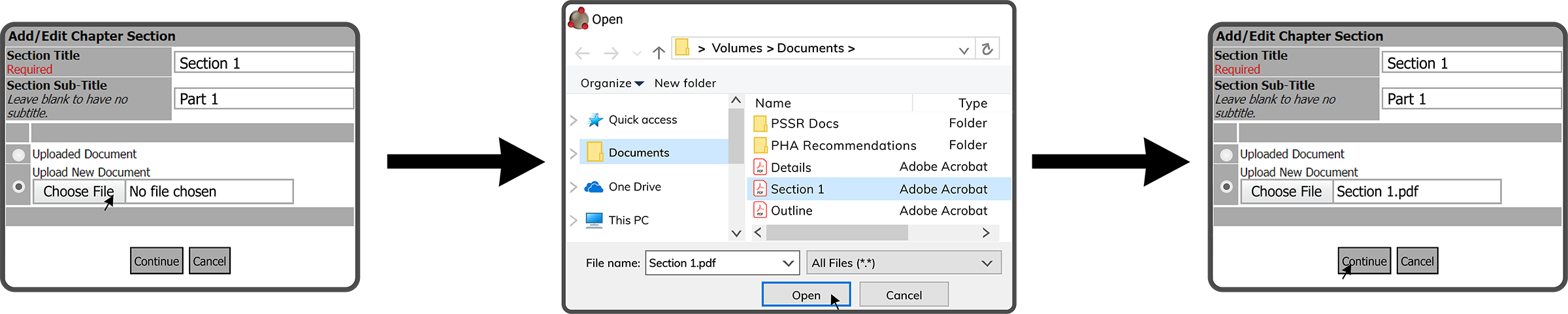
This will open the Add / Edit Chapter Section window. Enter a Section Title, SectionSub-Title (optional), and select Upload New Document. Then select the Choose File Button  . Browse to and select the file (.doc, .docx, .pdf) on your device, select the Open Button
  , and select the Continue Button
  .
.
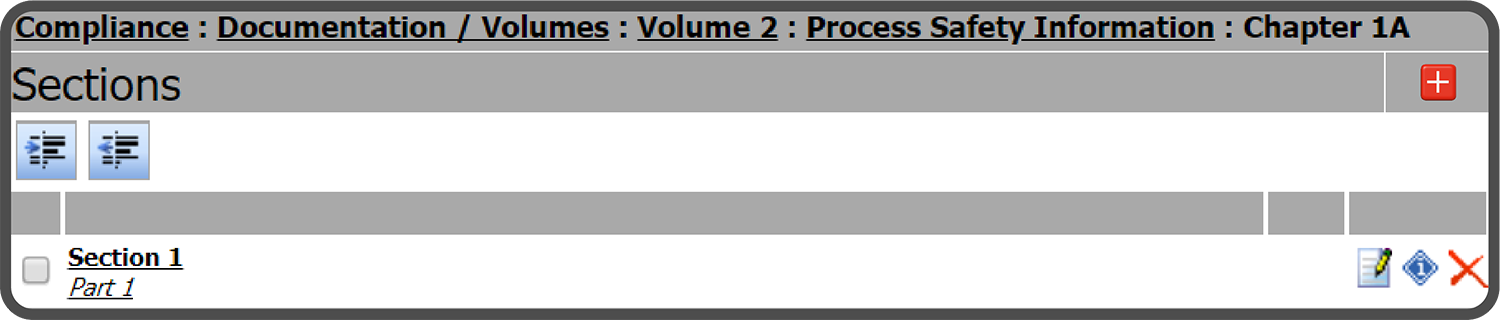
The Chapter Section is now displayed. Repeat the steps above to add additional Sections to the Chapter.
 Related Topics