To add a Chapter to an Online Document/Volume, either select the underlined Title of the Volume or select the View Icon  to the right of the Volume.
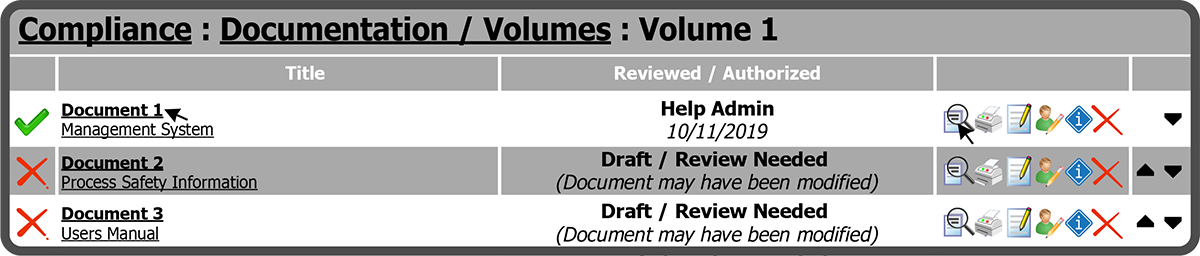
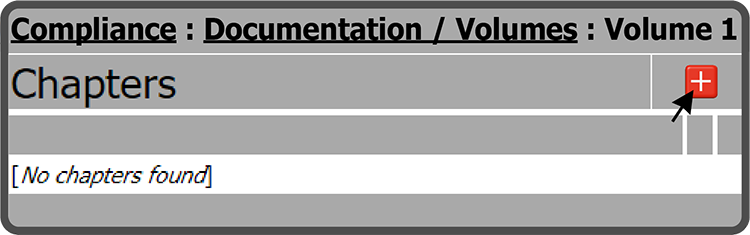
This opens the Chapters and Appendices page. Select the Add Chapter Icon  to the right of the Chapters header.
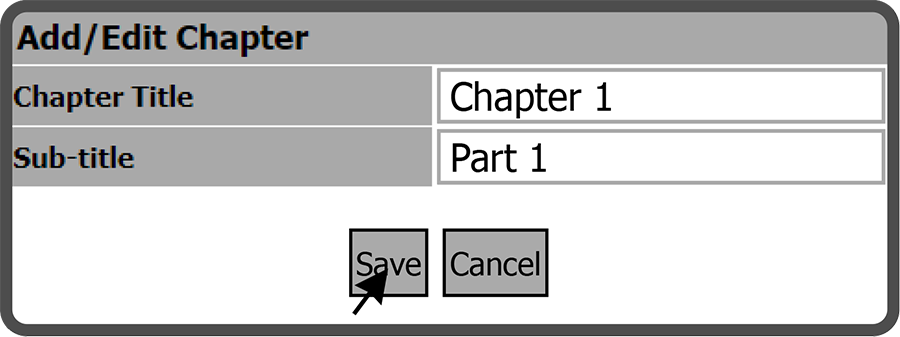
This will open the Add / Edit Chapter window. Enter a Chapter Title, a Sub-title (optional), and select the Save Button  .
.
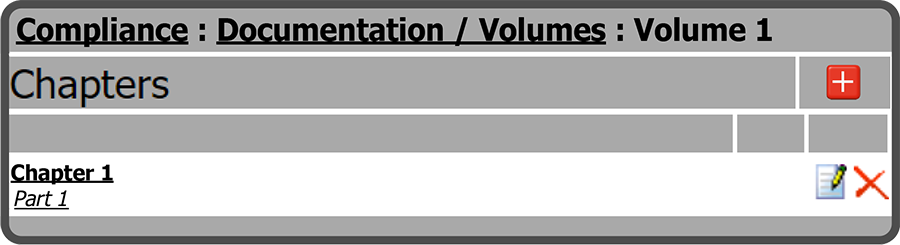
The added Chapter is now displayed.
 Related Topics